Make a Payment
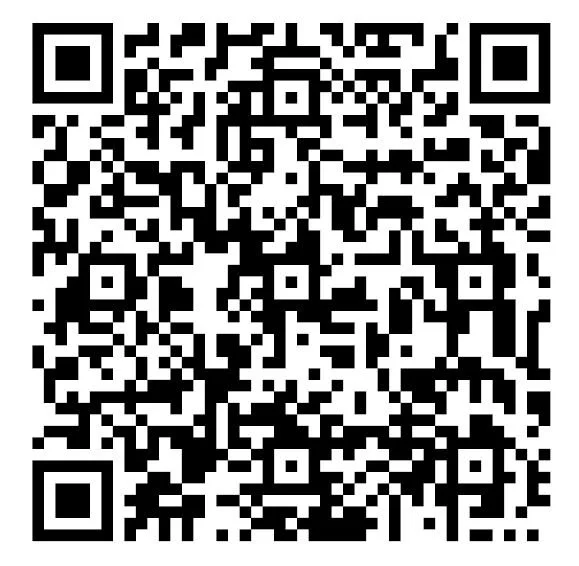
Submit your payment using Zelle by opening your bank account,
then scanning the QR code.
PAYMENT INSTRUCTIONS:
Step 1: Log onto your bank account.
Step 2: Send money via Zelle: Please enter “Meridian Prep” as the payee name and “Admin@MeridianPrep.com” as the payee email address
Step 3: Enter the amount due and click “submit.”